
Human Workflow (IC.IDO)
Collision data from IC.IDO are processed in the STRIVE Tool and assigned to the connected devices.

STRIVE
STRIVE stops movement at virtual boundaries. This enables more realistic assessments of reachability, range of motion and collisions before physical hardware is available.
The product
In a visual-only VR simulation, the body can pass through virtual components. STRIVE instead simulates physical forces – not just vibration. When the system detects a collision, the assigned device generates a tangible counterforce and limits movement at the virtual surface. In the intended setup, STRIVE is robust enough for users to lean against virtual objects with their body weight in a controlled manner.
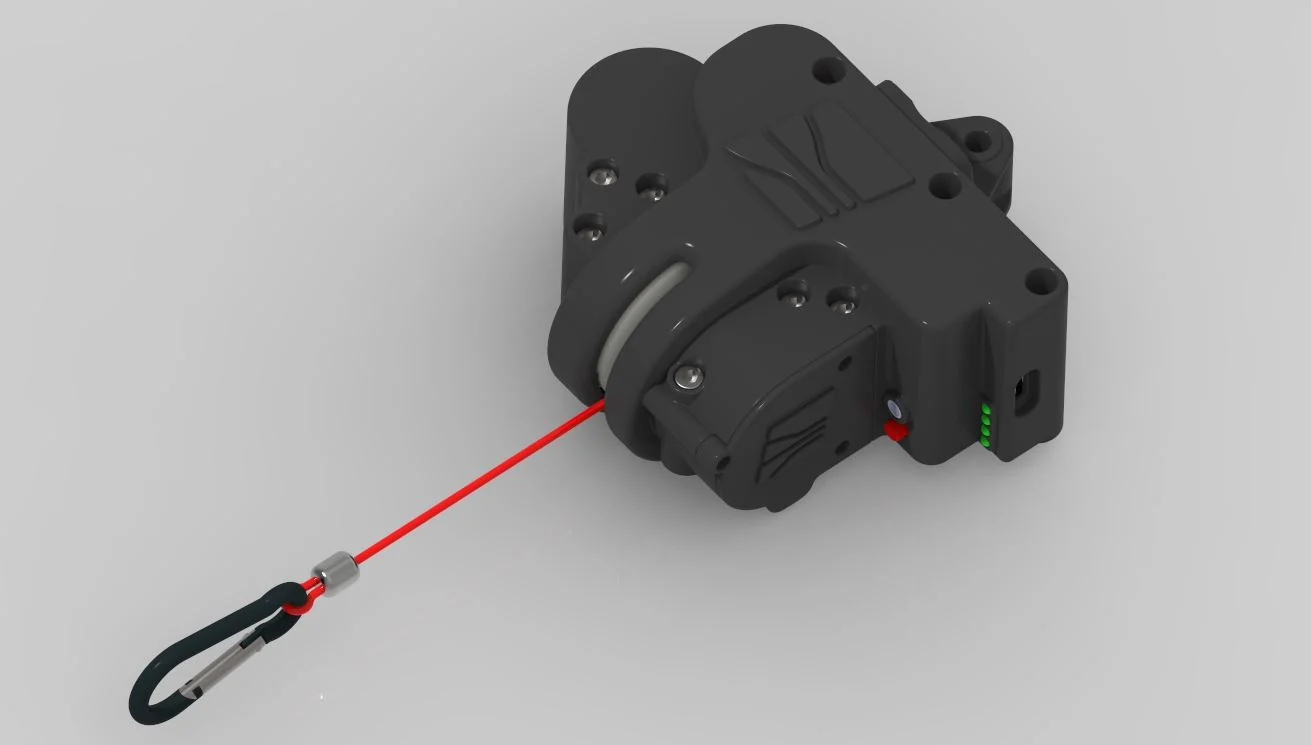
How STRIVE works
The physical setup with three STRIVE devices is shown on the left. The VR view on the right shows the matching contact points at the head, hip and screwdriver.
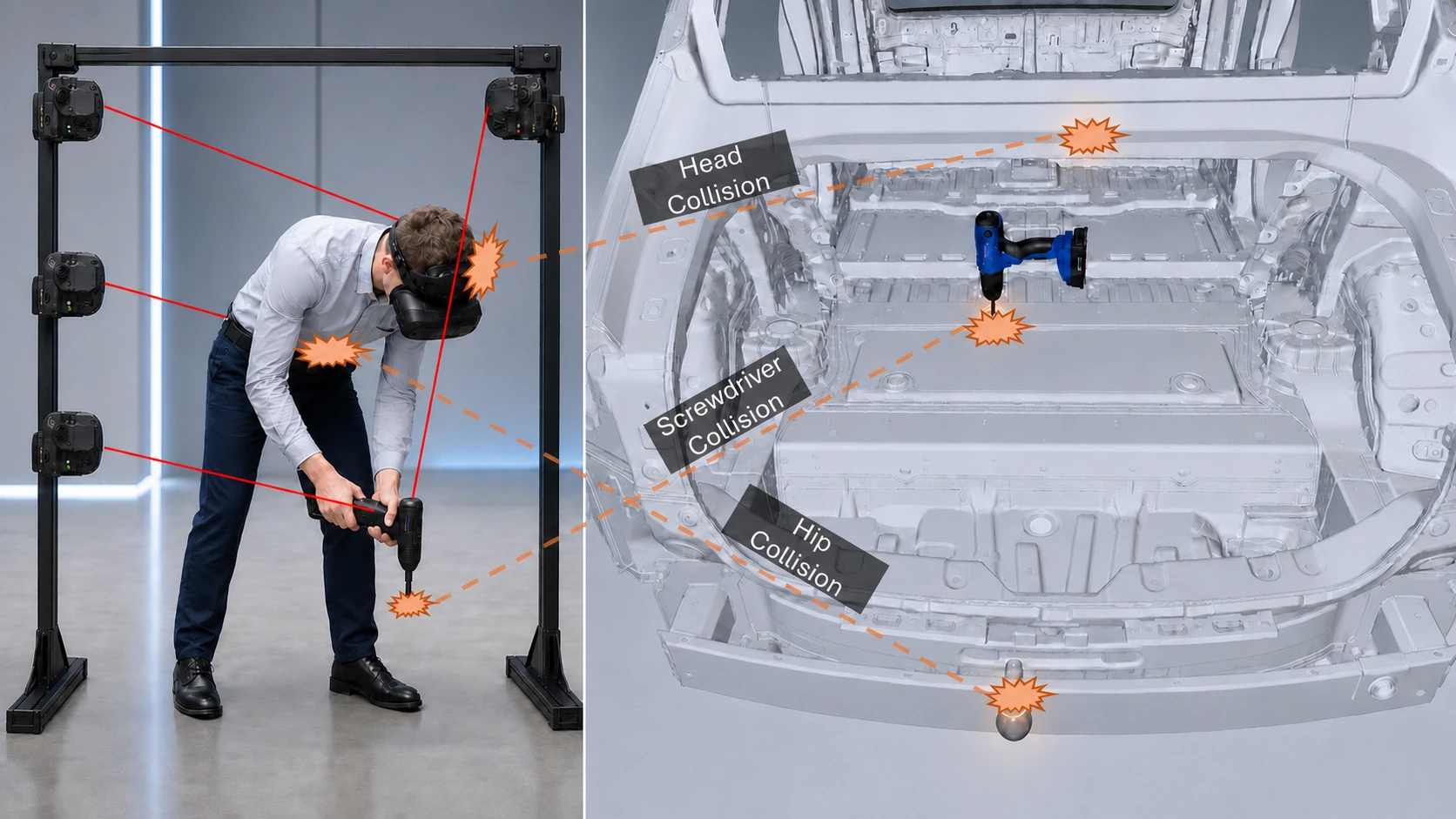 Physical setup
VR view
Physical setup
VR view
The STRIVE devices are mounted to the setup and connected to the relevant points – here the head, hip and screwdriver.
The VR application detects contact with the digital geometry. The STRIVE Tool then activates the assigned device and generates the corresponding counterforce.
The VR software detects contact between the user and a virtual object.
Position and collision data are passed to the STRIVE Tool.
The tool selects the appropriate feedback device and sends the control command.
The device generates physical feedback at the affected body position.
Flexible use
Depending on the validation task, the devices can address relevant body positions—for example the head, hip, chest or legs. This keeps the setup focused on the decisive contact points.
View three implemented application examples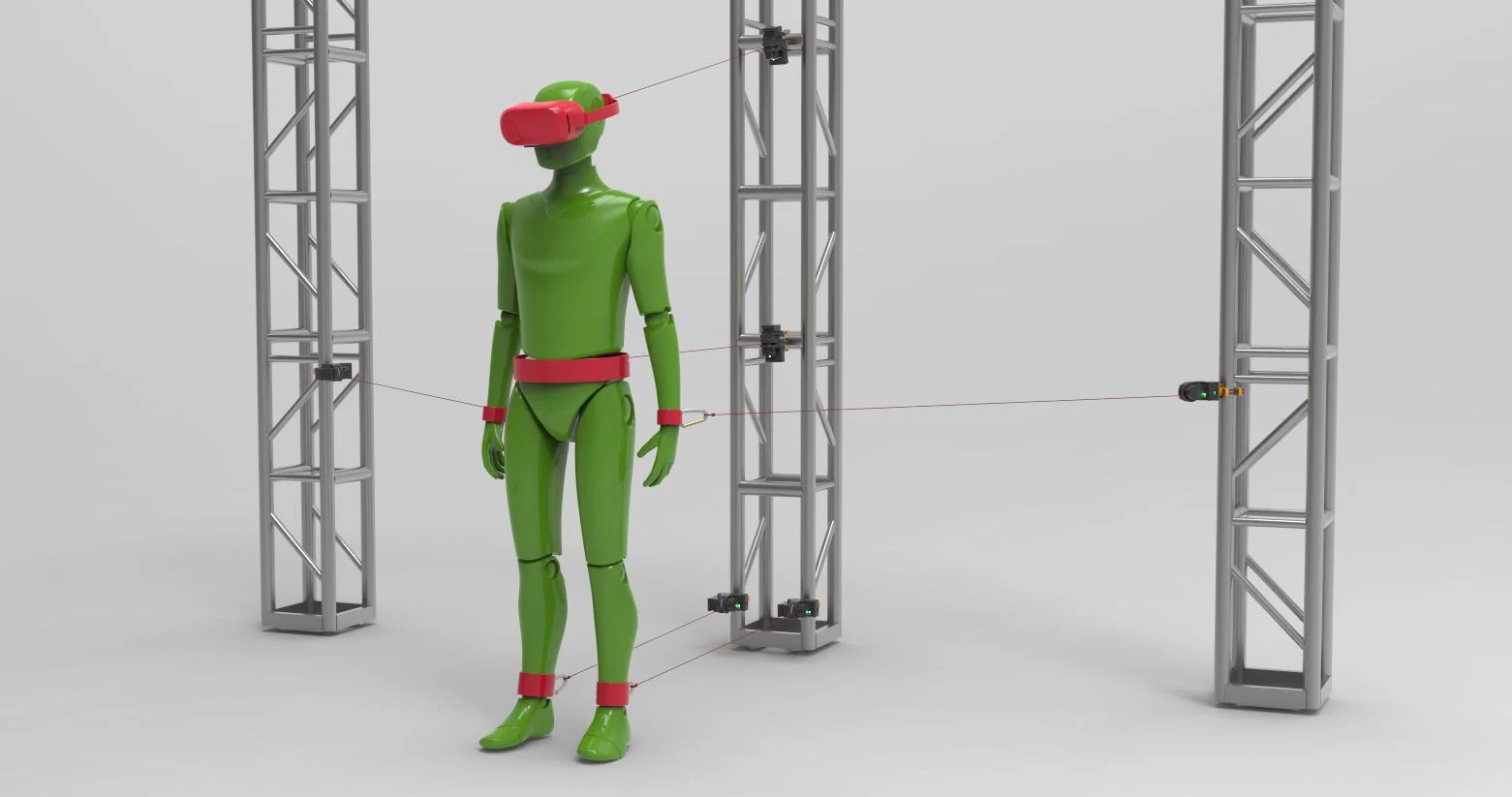
Compatibility
STRIVE enhances existing VR workflows without changing familiar processes. Users continue working in IC.IDO, Unity or Autodesk VRED and can add physically perceptible feedback directly to their VR scenarios. The Unreal Engine integration is already in development and will be available soon.
Collision data from IC.IDO are processed in the STRIVE Tool and assigned to the connected devices.

The available STRIVE integration transfers haptic feedback events from Unity-based VR applications.

STRIVE supports haptic feedback in existing visualisation and validation workflows with Autodesk VRED.

The integration is currently in development and will soon be available for Unreal Engine-based VR applications.
We are happy to assess other VR software on a project basis. The available scope depends on the scene, tracking setup and required feedback logic.
Product names and logos are trademarks of their respective owners. Unreal® Engine and the Unreal Engine logo are trademarks or registered trademarks of Epic Games, Inc. in the United States and elsewhere.
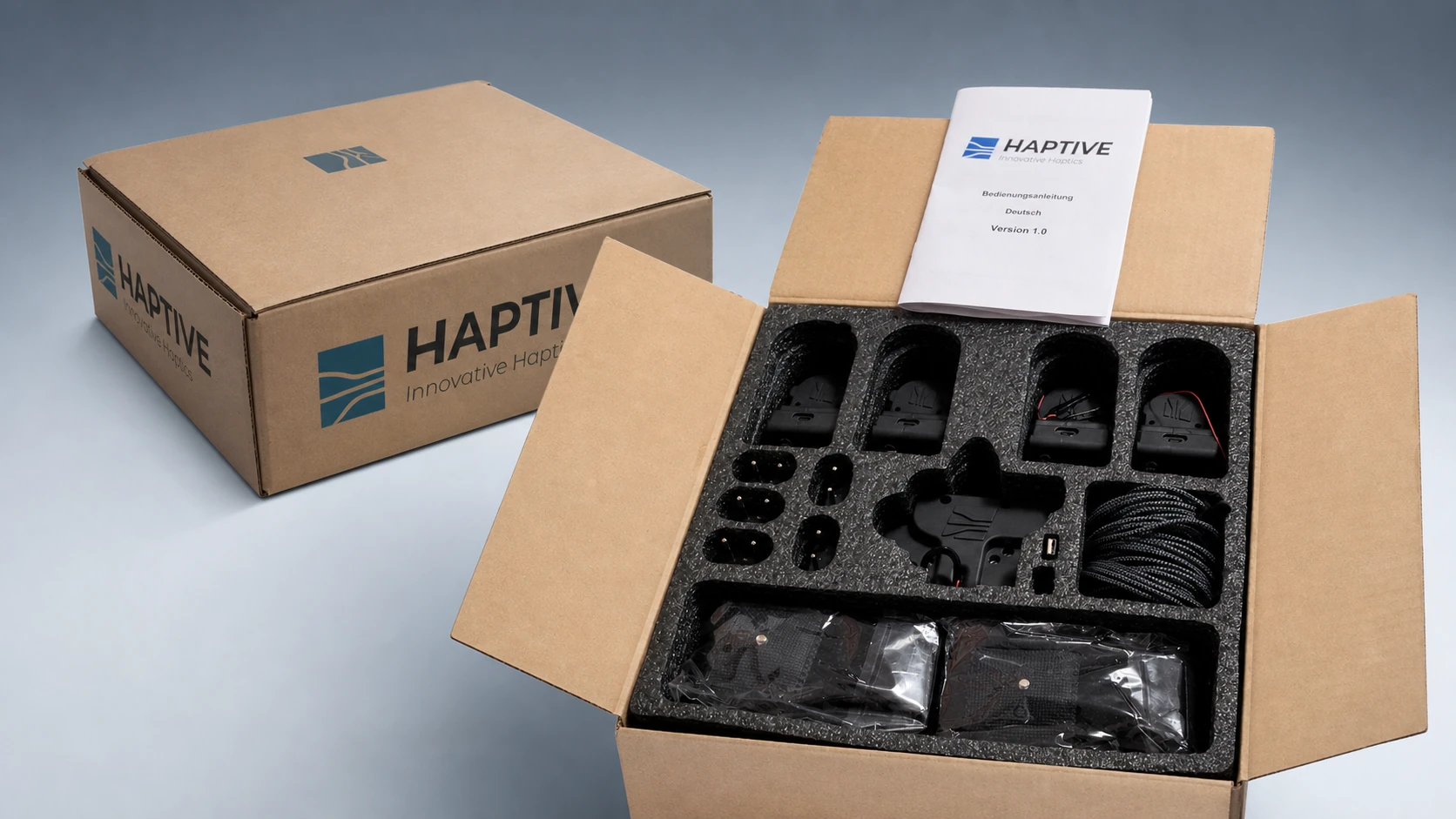
Package contents
STRIVE in your process